Use this Tools 4 to manage your Business
You in Social Media
"keep active posts The status is very important for those of you who want to successfully run marketing online via social media,surely not just post promo sale"
Why do I say important,If we were to observe some large companies making social media as interactive services with customers then at least in
one day they will post at least 3-5 more posts, be it the form of promos, tips tricks,humor, event etc.
This It turns out that will give the
impression of to the customer that we are Indeed, we still making social media as part of the best service and we still continue to provide education with the products that we selling to customers.
A problem that often we experience
in regulating the posting schedule is laziness or lack of our manifest irregularity to be updating the status of the corresponding with moment, suppose that tomorrow valentine's day then make sure topics about compassion,Suppose next week day the hero then prepare postings about the struggle, recalls Service heroes, respect Heroes etc.
If you have any a lot of time to deal with it all of the sich is not a problem, but if very little of your time How? nach you can create a schedule and Post Here there are 6 tools that can you use to do
the posts are unscheduled.
Buffer
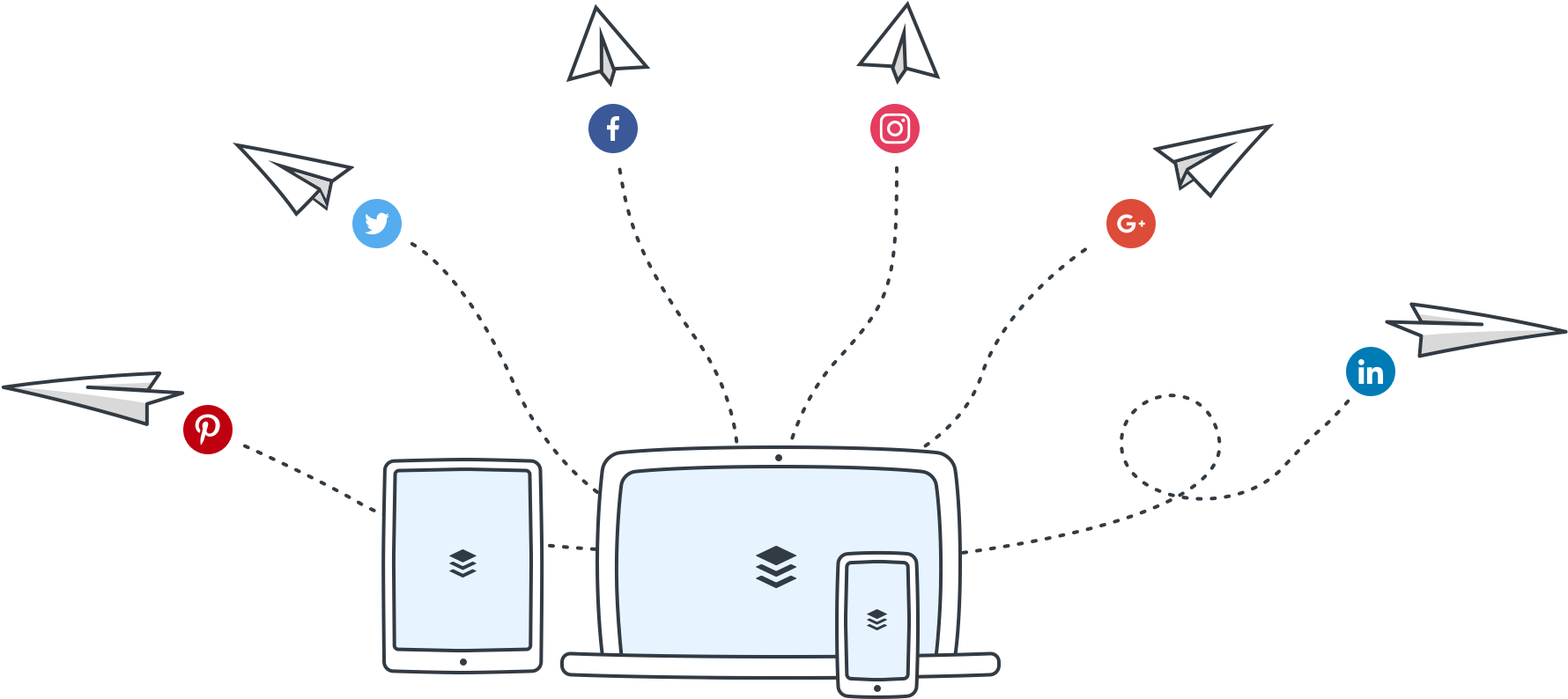
In my opinion this is a tools the best I use to make more posts in scheduled (Schedule Post) to the a variety of social media such as Facebook (fanpage) Twitter, LinkedIn, Google Plus etc Buffers are not just tools to schedule a post, but you can also use to cross post so Suppose you do a post on Facebook then auto media other social governance will be updated with status same with your facebook.
The use of any buffer is It's easy, you don't need to install any because this application webbase-based where you simply access it through a browsers that have been connected with the internet. You can also access the buffer with use Z1 Android or IOS Apps so it will be very easy for you to access through
Mobile.
The fare is? for access You can use the individual This buffer for free with limitation of only 1 account for each each social media and schedule post per account can only 10 the posting, very very pretty to the scale of the individual. You can visit his website Here https://buffer.com/
IFTTT
 His name is indeed a little hard on the say, but if you managing social media for online marketing then you are obliged to sample tools IFTTT. Then, what the value you can get from IFTTT is this? IFTTT are tools that You can use to linking application with other applications,so that some of your social media applications will be connected, why must be connected? of course there
are some of the benefits that you can use such import list, Cross posts, Auto Backup etc.
Although above (buffer) I've pass can also be used for the cross post, but this IFTTT have more traffic Nice, one of them at IFTTT Chanel 289 applications available You can connect either of these types of application of Social Media, Blogging,Business, Commerce, Photo and Video etc and the most exciting, IFTTT is free, you can directly access it Here https://ifttt.com/
Tweetdeck
 Tweetdeck is a tools-based webbase
official from twitter, you can access it here https://tweetdeck.twitter.com/. This tools will greatly simplify your
running marketing online using Social media Twitter because these tools your account page will display your Twitter more jellies, try your see the image above, with using tweetdeck, all the features of social media could you view in one screen monitor you, so this will makes it easy to work.
Hootsuite

Before I use the Buffer as tools to manage my business in social media, hootsuite is the application is very very pretty good time. This application can I say as a collaboration between Tweetdeck and the buffer and IFTT but hootsuite also more focus to management of social media.
At least this article when I There are already 35 writing Social media popular you can connect to each other and you can access in one screen like tweetdeck. Almost equal to Buffer, for hootsuite available package free and also paid with features very very more powerful. The rest you can access Here https://hootsuite.com/ Of course there are many more tools can we use to manage our business in the social the media, I am very happy for once If you want to opt in to sharing information with me, so I can update this article to make it more complete again.